
 English
 Czech
Czech
 German
 French
 Italian
 Japanese
 Polish
 Spanish
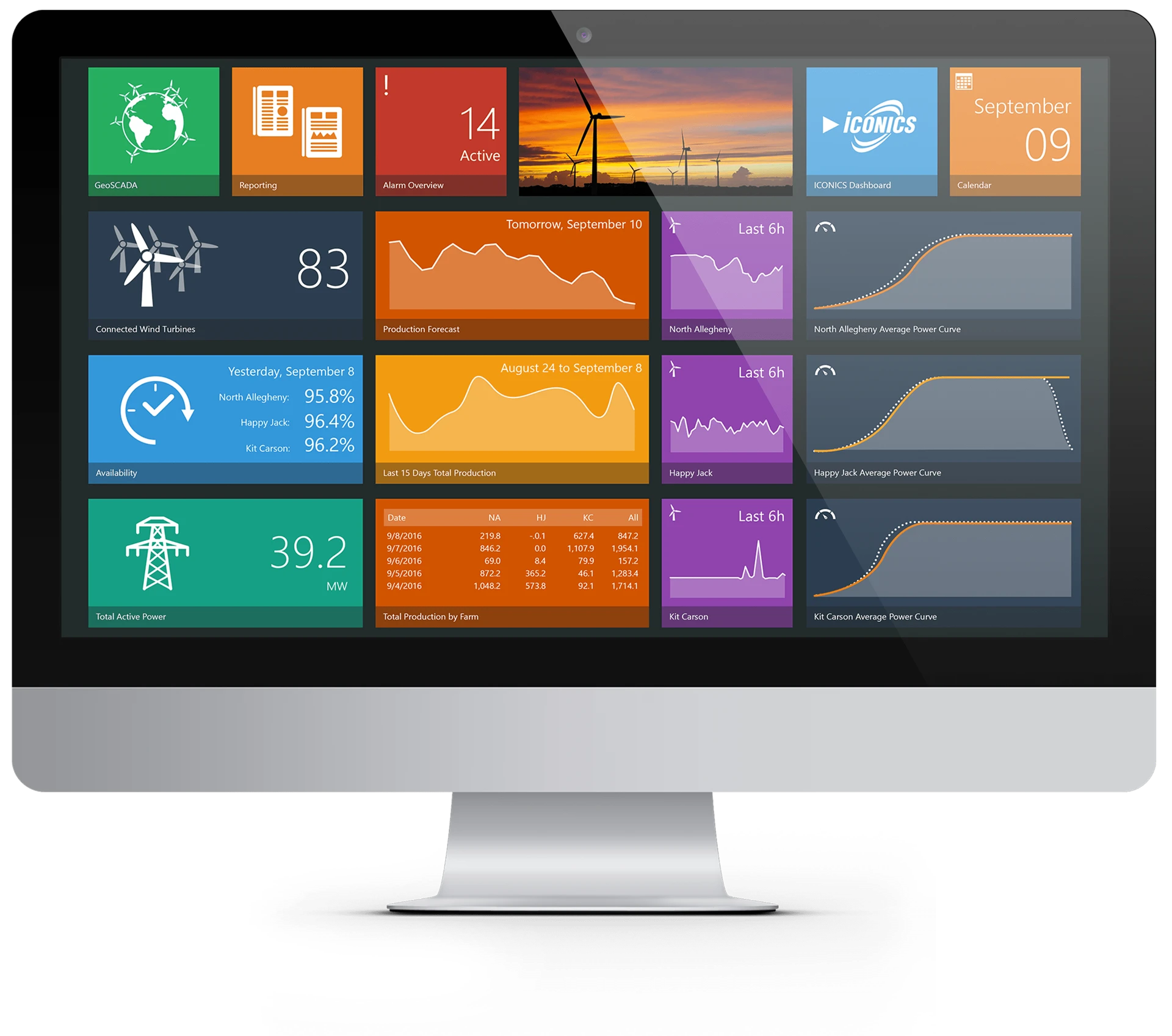

Nouvelle Génération de Logiciels de Supervision IHM/SCADA
GENESIS64™ est une suite avancée de solutions IHM/SCADA multicœurs 64 bits multiprocesseurs, conçue pour les systèmes d’exploitation Microsoft. La suite ICONICS GENESIS64 est une application native .NET qui offre des performances inégalées avec OPC, BACnet, Modbus, et une connectivité de base de données standard ouverte. La suite GENESIS64 assure la connectivité des données entre l’usine et les installations du bâtiment d’une part et, d’autre part, les systèmes d’informations de l’entreprise. Conçue pour tirer profit du code géré 64 bits, .NET et des technologies OPC UA, l’application GENESIS64 permet aux opérateurs, aux dirigeants et aux professionnels de l’informatique d’intégrer en temps réel les informations liées à la fabrication, l’énergie et l’entreprise dans un tableau de bord de visualisation Web sécurisé et unifié. Explore the NEW GENESIS.
Additional Tools within GENESIS64
BridgeWorX™ | CFSWorX™ | Energy AnalytiX™ | Facility AnalytiX™ | Hyper Historian™ | IoTWorX™ | KPIWorX™ | Quality AnalytiX™
Gestion distribuée des alarmes
La gestion distribuée des alarmes sur l’ensemble de l’entreprise est fournie avec AlarmWorX™64, le module d’alarme natif d’ICONICS. AlarmWorX64 permet de garantir une gestion des alarmes en temps réel en conformité avec la norme ISA 18.2. Gérez vos alarmes grâce au « Viewer » d’AlarmWorX64 que vous pouvez intégrer dans n’importe quelle page graphique SCADA ou IHM.
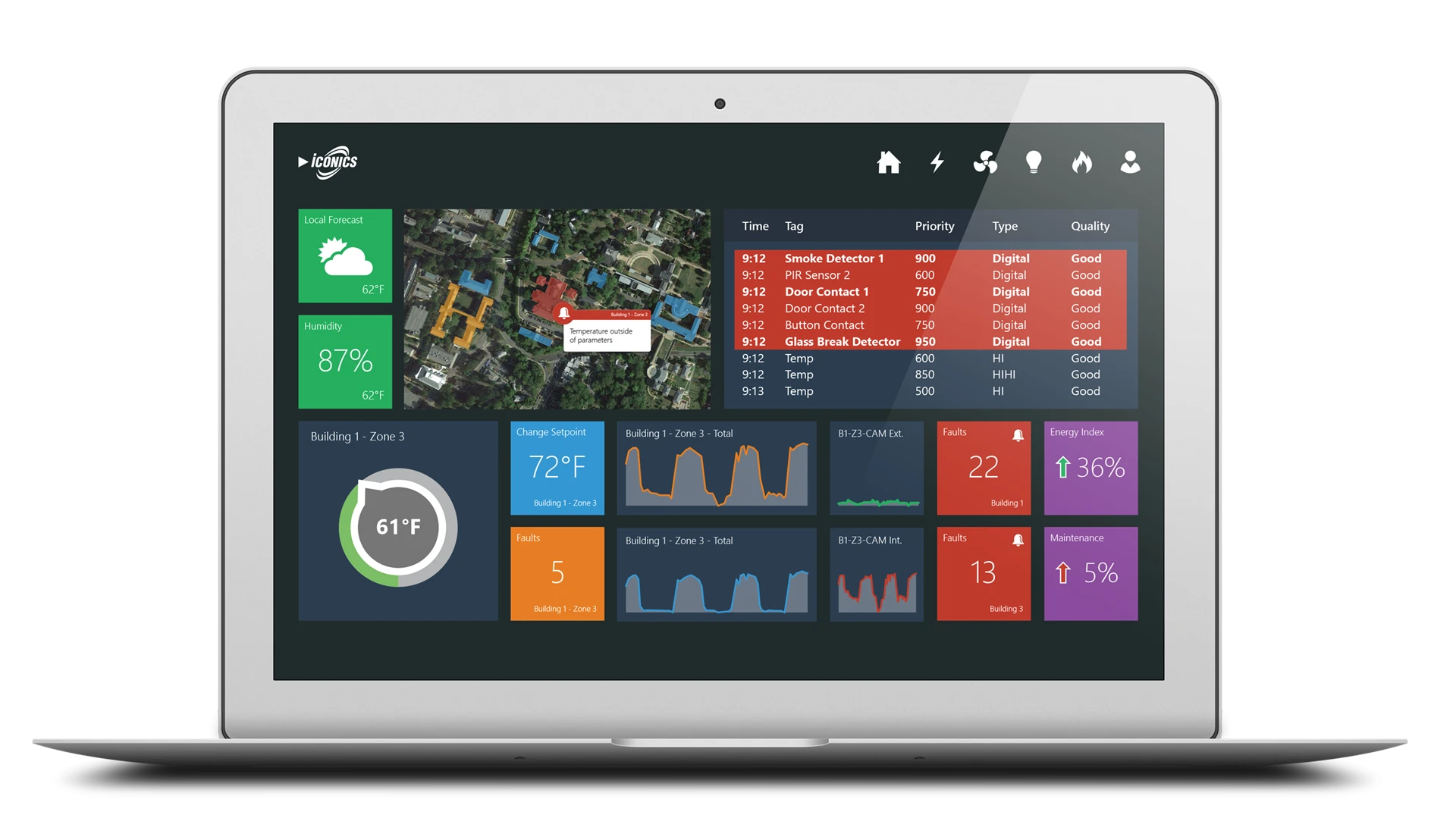
Courbes de tendance temps réel et historiques
Grâce au module de courbe TrendWorX64™, visualisez les données de l’ensemble de l’entreprise sous la forme de courbes, de logs, de graphiques et de rapports. Retracez les données en temps réel et historiques à partir de n’importe quelle base de données relationnelle afin de fournir aux utilisateurs des données exploitables. Personnalisez les courbes avec des couleurs, des sources de données multiples, différents curseurs et des animations. Interagissez avec les courbes en temps réels grâce à de multiples fonctions de filtres disponibles.
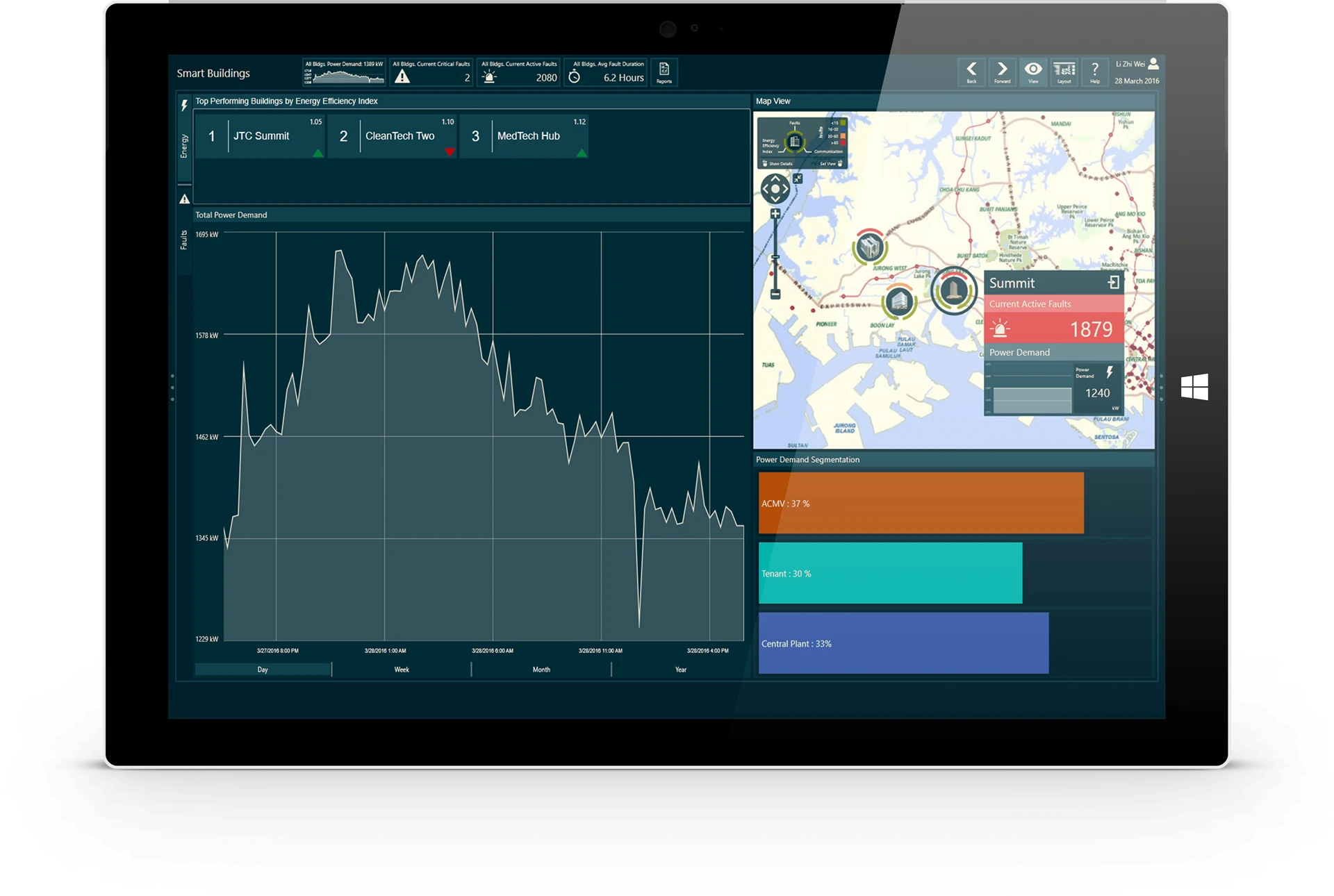
Caractéristiques

Visualisez les assets avec des graphiques 2D et 3D

Utilisez la gestion des alarmes

Personnalisez les assets et l'organisation des tags

Configurez et développez dans l'environnement Web

Commandez d'innombrables outils pour visualiser les données

Enregistrez et exportez les configurations mises à jour
Voulez-vous commencer ?
Take the Next Step
Transform operations with proven SCADA technology backed by Mitsubishi Electric Iconics Digital Solutions.
Feature Download
GENESIS64™ provides the World's Most Advanced Suite of 64-bit HMI/SCADA Software Solutions.
Get in Touch
Want to get started with GENESIS? Get in touch with our team at one of our worldwide offices.